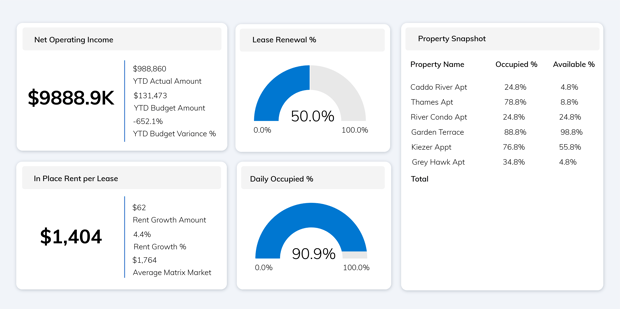
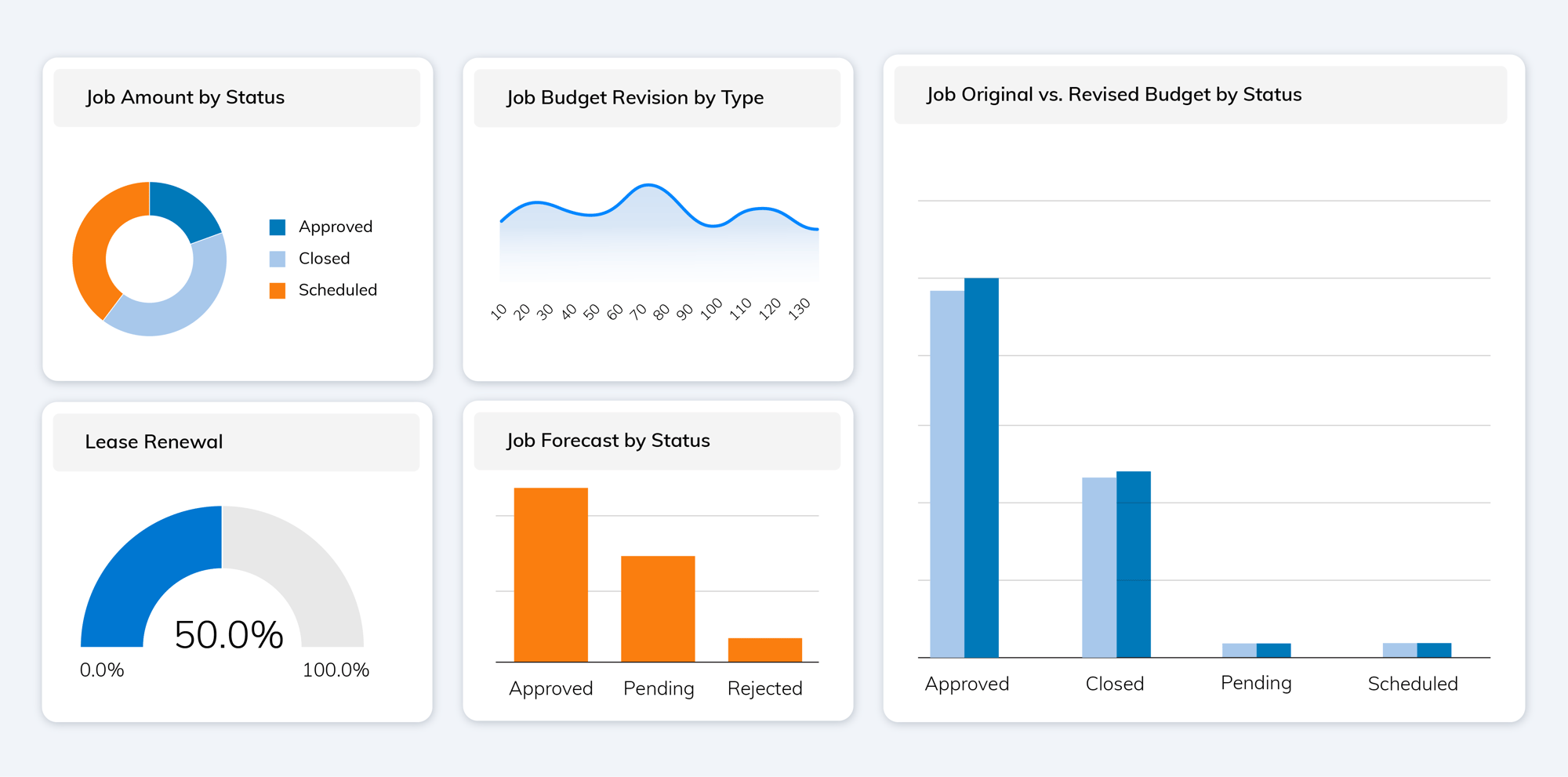
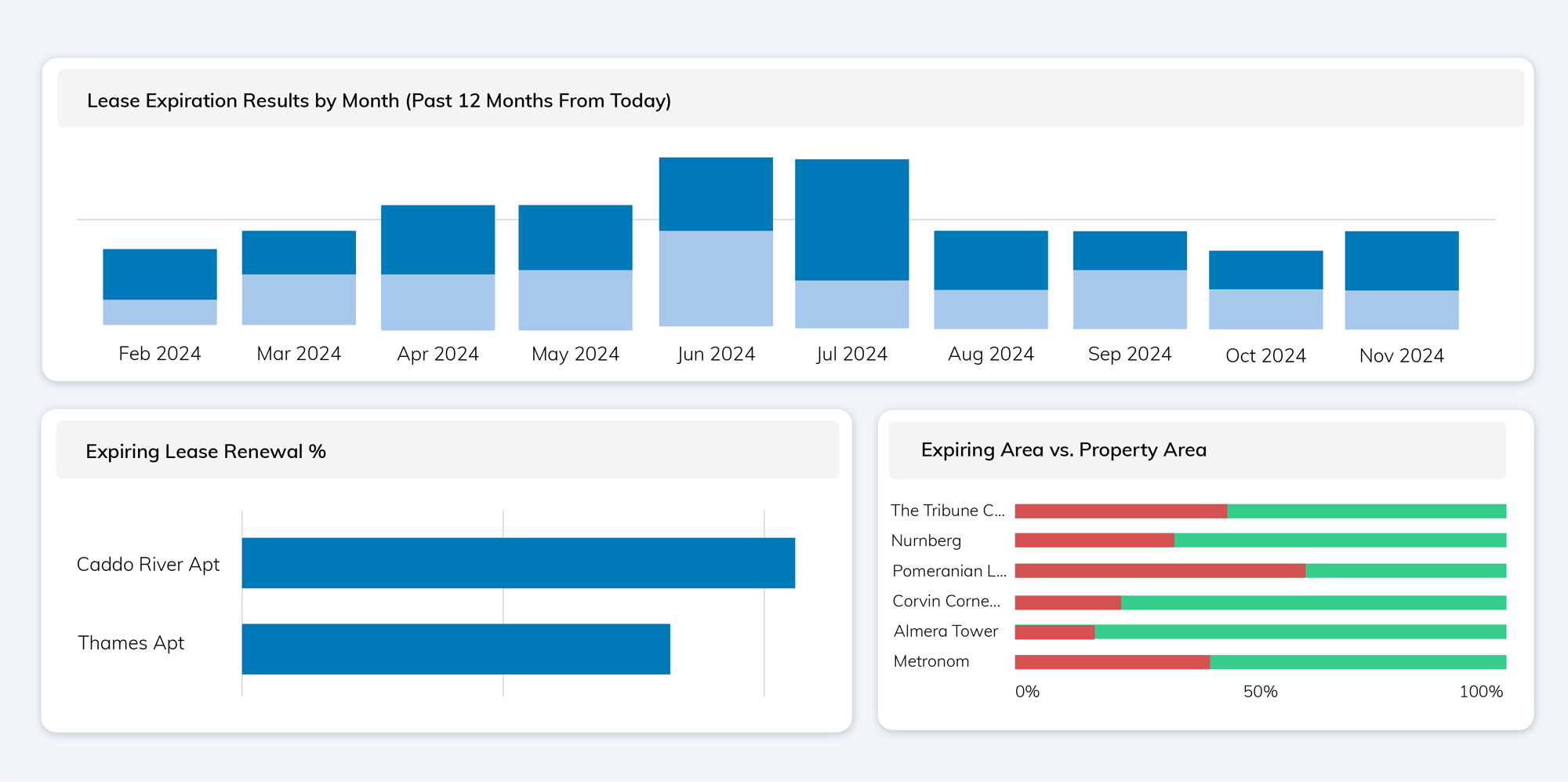
Visualise your data, your way
Customise your data like never before. Yardi Data Connect offers a secure feed from Voyager to Microsoft® Power BI, enabling infinite customisations and incorporations of third-party sources.
With Data Connect, you can:
- Configure data from sources you use every day
- Understand patterns and use visualisation
- Aggregate data from multiple Voyager databases and other sources to establish one source of truth
Ready to unlock the power of your data?
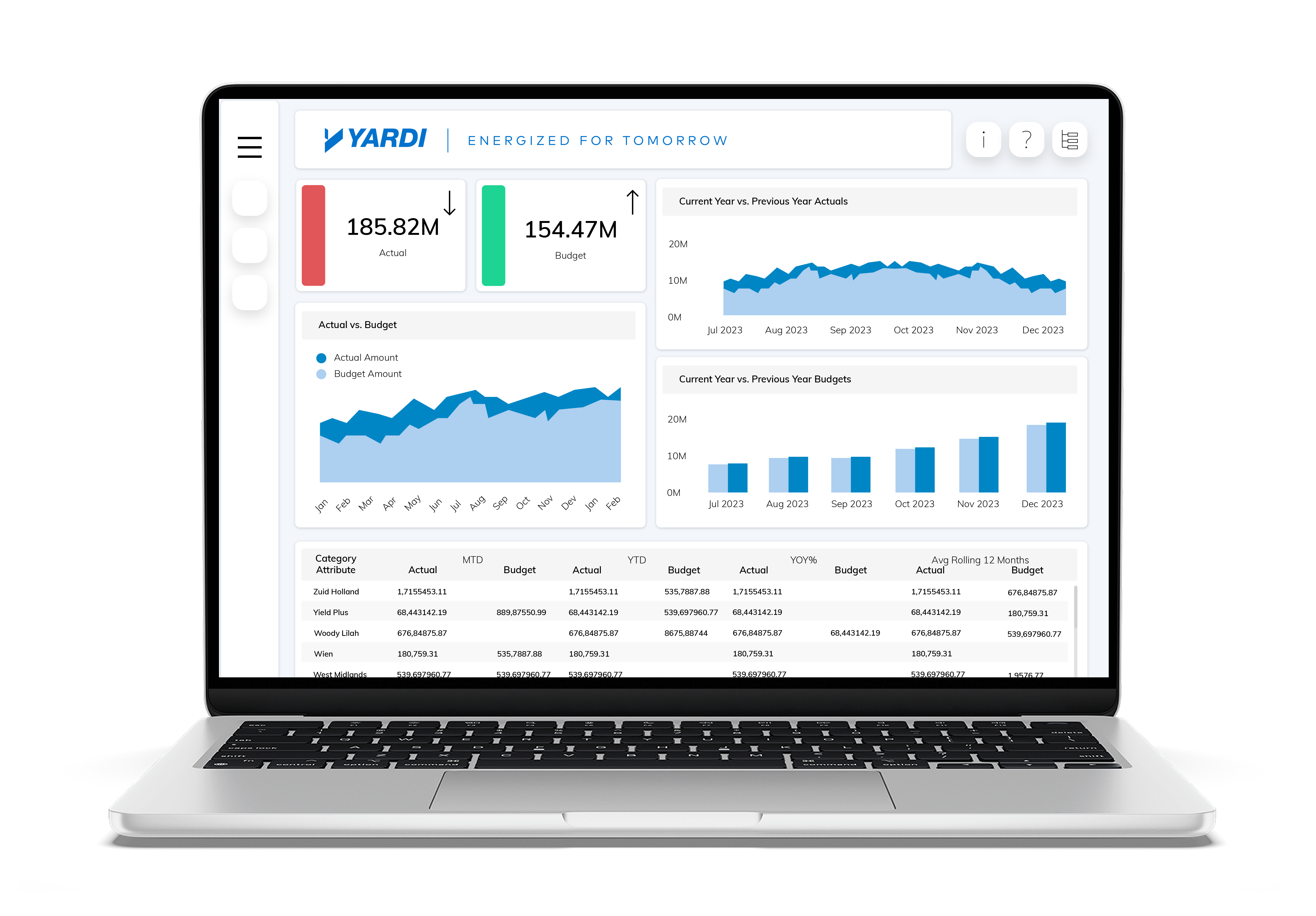
Turn data into actionable insights with Yardi Data Connect

Real-time insights, tailored to your business
- Pull data directly from Yardi Voyager into Power BI
- Create compelling dashboards with custom KPIs and visuals
- Merge data across Voyager instances and third-party tools
- Maintain a secure environment using your own Microsoft® Azure setup
- Empower teams across organisations with reliable data and intuitive reporting
Smarter, faster decision-making
- Schedule automatic data refreshes from Voyager
- Avoid data silos with integrated data pipelines
- Access pre-defined dashboards with hundreds of configurable metrics
- Configure reports by asset type, region, portfolio, or team
- Drill down into the data that matters most, in real time


Own your reporting experience
- Build dashboards and visuals that reflect your business goals
- Incorporate third-party data for richer analysis
- Customise dimensions and measures to fit your KPIs
- Centralise financial, operational, and leasing data
- Eliminate version control issues with synced, live data
Trusted by Residential Real Estate leaders to deliver results
FAQ
Is all Yardi Voyager data available in Microsoft® Power BI?
Yardi Data Connect includes a starter pack of reports containing key data dimensions and objects most used by real estate owners. Additional Voyager data can be accessed by extending the API pull to include other scripted reports, giving you full flexibility to bring in the data you need.
Can non-Voyager users access Power BI dashboards?
Yes. Access to dashboards is managed within the client’s Microsoft® environment. Users do not need access to Yardi Voyager to view reports.
How many dashboards can we create?
There’s no limit. You can build as many dashboards as you need, tailored to different teams, asset types, or performance goals.
What if we don’t have Microsoft® 365?
Yardi Data Connect requires Microsoft Azure and Power BI. You will need Power BI licenses for any users accessing Yardi Data Connect data or reports.
How do I get started?
Just fill out the form to schedule a chat with our team. We’ll walk you through how it works and answer any questions you may have.